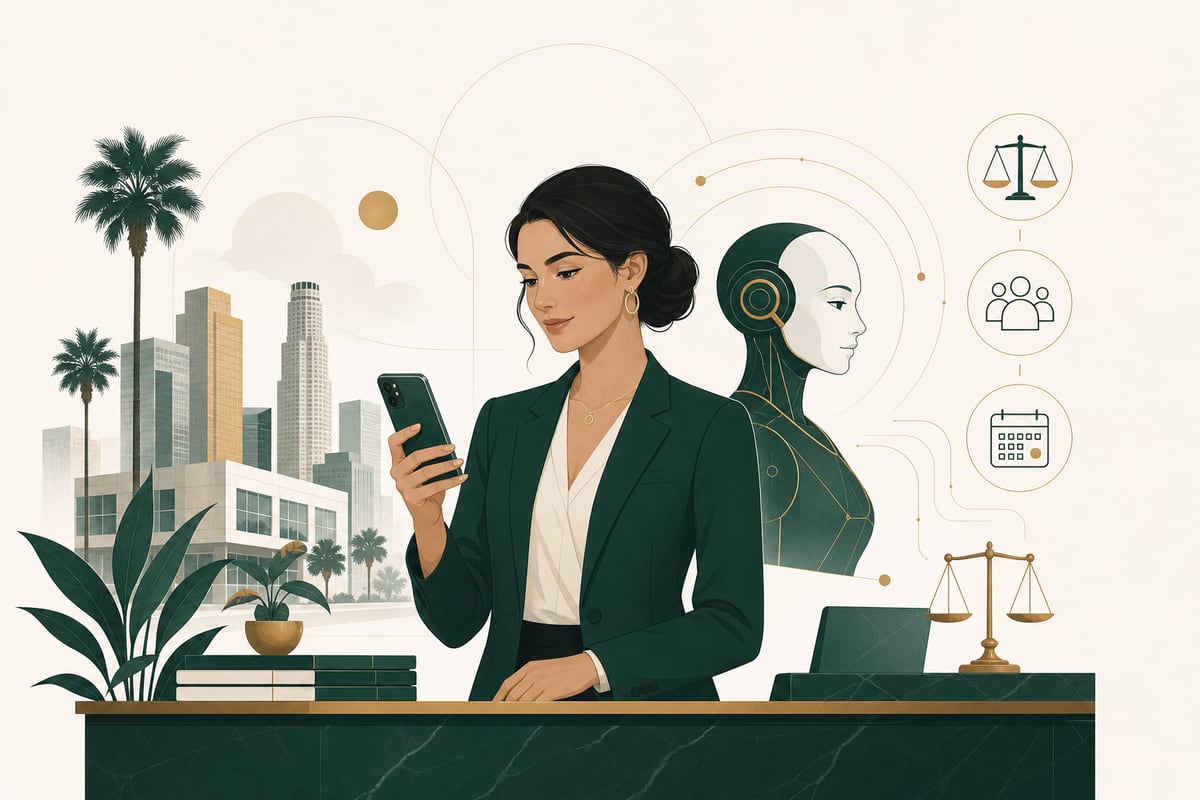
Are AI receptionists good for client trust? Often yes—if they are used honestly, kept to intake-only tasks, and backed by an easy handoff to your staff. They can hurt trust when firms hide the fact that callers are speaking with AI, make people repeat themselves, or use automation where empathy and judgment are needed.
The honest answer: AI can help trust or hurt it
The question is not whether AI is automatically good or bad. The real question is how your office uses it.
For many law firms and professional offices, trust starts before a consultation ever happens. It starts when someone calls, often stressed, confused, embarrassed, or in a hurry. If that caller reaches voicemail, gets put on hold, or cannot explain their situation in Spanish, trust may drop immediately.
A well-configured bilingual AI phone receptionist can improve that first impression by answering quickly, gathering basic intake information, and making sure the caller knows what happens next. But an AI system that sounds evasive, overpromises, or tries to act like a lawyer will do the opposite.
That is why the best use case is narrow and clear: intake-only support, not legal advice, not strategy, and not a replacement for attorney judgment.
Why some clients are skeptical of AI receptionists
Skepticism is understandable. People calling a law office are not ordering takeout. They may be dealing with an arrest, injury, divorce, immigration problem, employment dispute, or another high-stakes issue.
Callers may worry that:
- no real person will ever call them back
- their case is being handled cheaply or carelessly
- they will not be understood
- private information is not being treated seriously
- the system will miss urgency or nuance
- they are being tricked into talking to a machine
These are valid concerns. A law firm should not dismiss them.
The good news is that most of these trust problems come from poor implementation, not from the idea of AI itself. If your phone system is transparent, respectful, and designed around caller needs, many people care more about getting help quickly than about whether the first intake step is automated.
When an AI receptionist actually improves trust
In practice, client trust often rises when AI solves the problems callers already hate.
1. It answers right away
A missed call can feel like rejection, especially for a worried potential client. Immediate response matters. If the AI answers promptly, explains that it is helping with intake, and starts gathering details, the caller feels acknowledged.
2. It supports bilingual intake
In Los Angeles especially, bilingual communication is not a nice extra. It is central to trust. A caller who can explain their issue in English or Spanish without waiting for the “right” staff member often feels more comfortable and respected.
3. It gives a clear next step
Trust grows when the caller knows what will happen next: a callback, a consultation review, a scheduled appointment, or an internal routing step. Confusion damages trust more than automation does.
4. It stays in its lane
An intake-only AI does not give legal advice, evaluate the merits of a case, or guess at outcomes. It gathers facts, answers basic office questions if approved, and routes information to the team. That restraint is a trust builder.
5. It creates consistency
Human reception is valuable, but busy offices can be inconsistent. Calls may be missed after hours, during lunch, or while front-desk staff are tied up. AI can offer reliable first-response coverage while your staff focus on work that requires judgment and empathy.
When an AI receptionist hurts trust
There are also real ways to get this wrong.
Pretending the AI is human
If callers feel fooled, trust drops fast. It is better to be straightforward that they are speaking with a virtual receptionist helping with intake.
Letting the system talk beyond intake
An AI receptionist should not answer legal questions, interpret facts, or tell callers whether they have a strong case. That is not just risky—it sounds untrustworthy.
Making urgent callers fight the system
Some situations need quick human review. If the caller cannot reach a person or leave a clear priority message, the experience can feel cold and unsafe.
Asking too much, too soon
A long, repetitive script can make callers feel processed rather than heard. Good intake should be efficient and relevant.
Poor bilingual performance
Weak Spanish support is worse than no bilingual offering at all because it signals the office does not really understand the caller’s needs. Bilingual quality has to be real, not cosmetic.
What trust looks like in a law office phone workflow
Client trust is not created by sounding futuristic. It comes from basic signals of competence and respect.
A trustworthy phone workflow should:
- answer promptly
- identify the office and the role of the receptionist clearly
- support English and Spanish naturally
- collect only the information needed for intake
- avoid legal advice
- explain when a human will follow up
- offer an easy path for urgent or sensitive issues
- disclose recording where required, including California two-party consent considerations
- send accurate summaries to staff for timely follow-up
In other words, trust comes from clarity, speed, and restraint.
The best position: AI as the first step, not the whole relationship
The firms that use AI best usually do not treat it as a full replacement for human connection. They use it to make sure no call is lost and no caller feels ignored.
That distinction matters.
A caller may be perfectly comfortable giving contact details, language preference, opposing party information, and a short issue summary to an AI receptionist. But they still want to know that a real legal team will review the intake and decide what comes next.
This is especially true in legal settings, where empathy, privilege concerns, deadlines, and judgment all matter. AI can support the start of the process. It should not pretend to be the relationship itself.
Are AI receptionists good for every office?
Not always.
They are usually a strong fit for offices that:
- miss calls during busy periods or after hours
- want bilingual English/Spanish coverage
- need faster intake response
- want to reduce voicemail bottlenecks
- have a defined process for staff follow-up
They are a weaker fit when an office expects the system to replace nuanced intake review, calm highly emotional callers without human backup, or operate without oversight.
The technology is most helpful when your office already knows what information matters, what should trigger escalation, and how quickly staff will respond.
How to use an AI receptionist without harming trust
If you are considering one, here are the practical rules.
Be transparent
Tell callers they are speaking with a virtual receptionist assisting with intake. Do not try to disguise it.
Keep it intake-only
Use AI to answer, collect details, qualify basic fit criteria if appropriate, and route messages. Do not let it give legal or medical advice.
Make human follow-up easy
Callers should know a person will review their information. Urgent issues should have a clear escalation path.
Invest in true bilingual support
For Los Angeles firms, English/Spanish coverage is often essential. It should feel natural, not patched together.
Review transcripts and outcomes
You should regularly check whether callers are being understood, whether summaries are accurate, and whether your staff response times match what callers were told.
Disclose recording properly
If calls are recorded, your workflow should include proper disclosure. California has stricter expectations around two-party consent, so this should be handled carefully and consistently.
So, will an AI receptionist hurt client trust?
Usually not—if it helps callers reach your office faster, speak in their preferred language, and get a clear next step. In many cases, that improves trust compared with voicemail, missed calls, and inconsistent front-desk coverage.
But yes, it can hurt trust if it is misleading, overused, or asked to do work that should stay with trained staff and attorneys.
The honest standard is simple: if the system makes your office easier to reach and easier to understand, it can support trust. If it makes people feel trapped, confused, or brushed off, it will do the opposite.
For law firms, the safest and most useful model is a bilingual AI receptionist that handles intake only, avoids advice, discloses recording, and hands off cleanly to your team.
If you want to hear how that sounds in practice, call the live demo at (213) 752-9794 or visit /order to get started.
Frequently asked questions
Do clients mind talking to an AI receptionist?
Some do, but many care more about getting an immediate response and a clear next step. Transparency and easy human follow-up matter more than pretending the system is human.
Are AI receptionists good for law firms?
They can be, especially for intake, missed-call coverage, after-hours response, and bilingual English/Spanish answering. They should not give legal advice or replace attorney judgment.
Will an AI receptionist make my firm seem cheap or impersonal?
Not if it is implemented well. Fast response, respectful intake, and strong follow-up usually matter more to callers than whether the first touchpoint is automated.
Can an AI receptionist handle Spanish-speaking callers?
Yes, if the system is built for genuine bilingual intake. For Los Angeles firms, strong Spanish support is often essential to caller comfort and trust.
What is the biggest mistake firms make with AI receptionists?
Using them too broadly. The safest approach is intake-only: gather information, explain next steps, and route to staff without giving legal or medical advice.